
Download Video Repair – video repair, fix corrupted video, repair damaged video, restore video files, video recovery tool
Overview
Video Repair is a specialized mobile utility designed to address one of the most frustrating issues in digital media management: corrupted or damaged video files. Whether a video becomes compromised during recording, editing, format conversion, or file transfer, this app provides a targeted solution to restore its integrity. The app supports a wide array of video formats, including MP4, MOV, M4V, 3G2, 3GP, and F4V, making it versatile for users across different platforms and workflows. Its primary purpose is to recover usable video content from files that may otherwise be unplayable or partially damaged.
Target users include casual smartphone photographers, content creators, videographers, and professionals handling sensitive or high-volume video data. The app is particularly useful in scenarios where video loss could result in lost memories, missed deadlines, or disrupted workflows. By offering a dedicated repair function, Video Repair fills a critical gap in the mobile productivity ecosystem, where few tools provide reliable recovery without requiring complex software or computer access. The developer, Video Repair, has focused on creating a streamlined, efficient tool that operates directly on mobile devices, enabling on-the-go recovery without the need for external systems.
Although the developer did not provide additional technical details about their background, the app’s focus on format compatibility and repair accuracy suggests a targeted approach to solving a common digital pain point. Real-world use cases range from recovering vacation footage accidentally corrupted during a transfer to restoring edited clips before a client presentation. The importance of such a tool lies in its ability to preserve digital content in an era where video is central to personal and professional communication.
Key Features & Functionality
- Comprehensive Format Support: Video Repair supports multiple video file types, including MP4, MOV, M4V, 3G2, 3GP, and F4V. This broad compatibility ensures users can attempt repairs on files from various sources, such as smartphones, cameras, or editing software, without needing to convert formats first.
- Advanced Repair Mode: For severely damaged files that fail standard recovery attempts, the app includes an 'Advanced Repair' feature. This function uses enhanced algorithms to analyze and reconstruct fragmented or corrupted data, increasing the chances of successful recovery, especially in challenging cases.
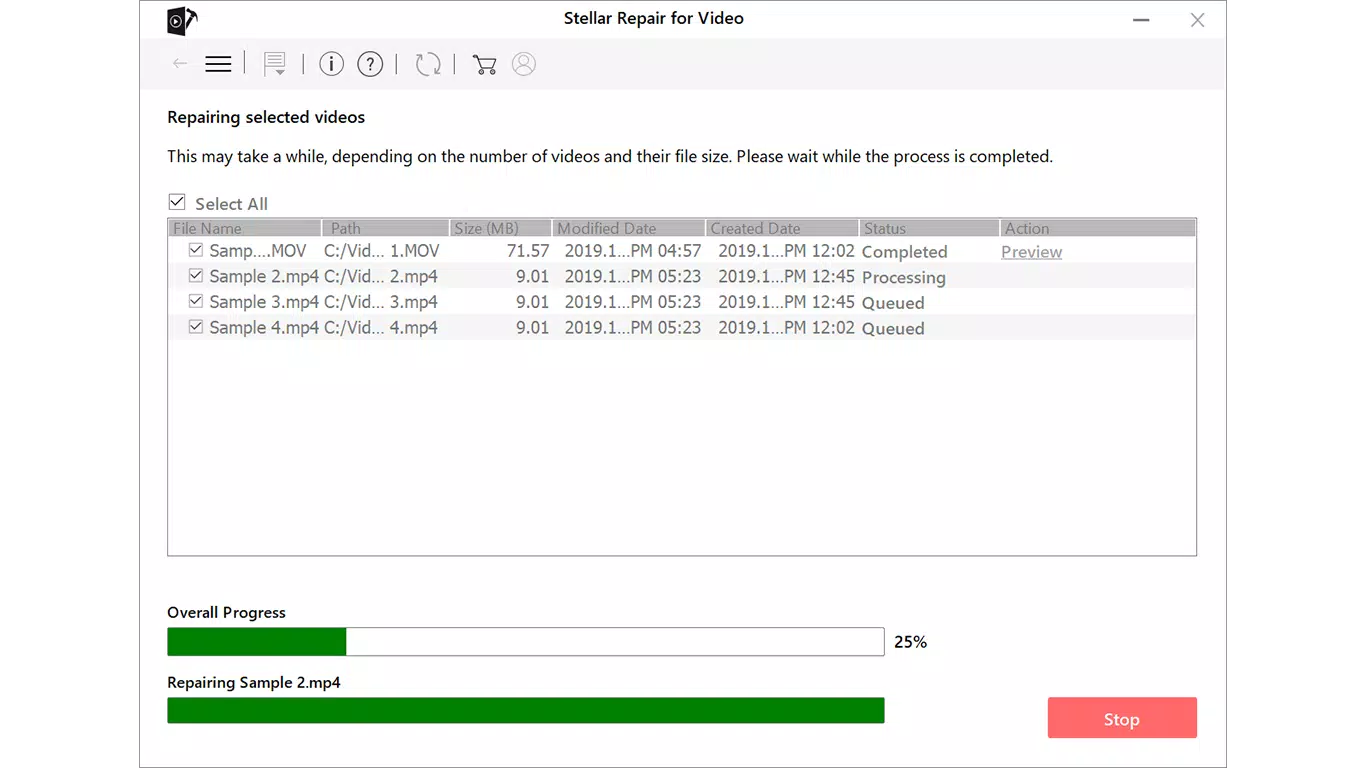
- Preview Before Saving: After repair, users can preview the restored video directly within the app. This allows confirmation of playback quality, audio sync, and visual integrity before committing to save, reducing the risk of reprocessing failed attempts.
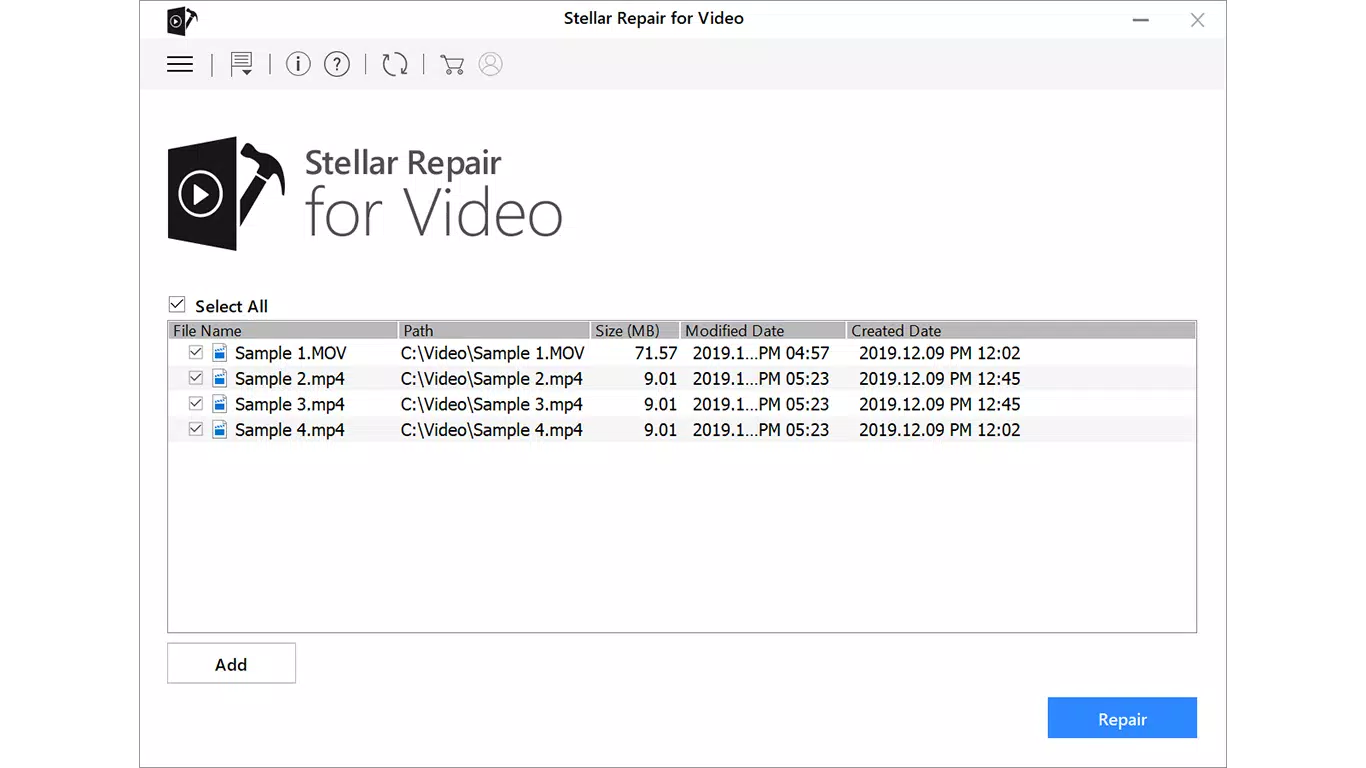
- Batch Repair Capability: The app enables users to select and repair multiple video files simultaneously. This feature is ideal for professionals managing large volumes of footage, significantly reducing repair time and improving workflow efficiency.
For example, a content creator recovering a day’s worth of raw footage from a damaged SD card can upload all files at once and initiate batch repair, saving hours of manual effort. Similarly, a user trying to recover a family video that won’t play can use the preview function to verify the repair outcome before saving it to their device. These features collectively enhance usability, reliability, and user confidence in the repair process.
Interface, UX & Performance
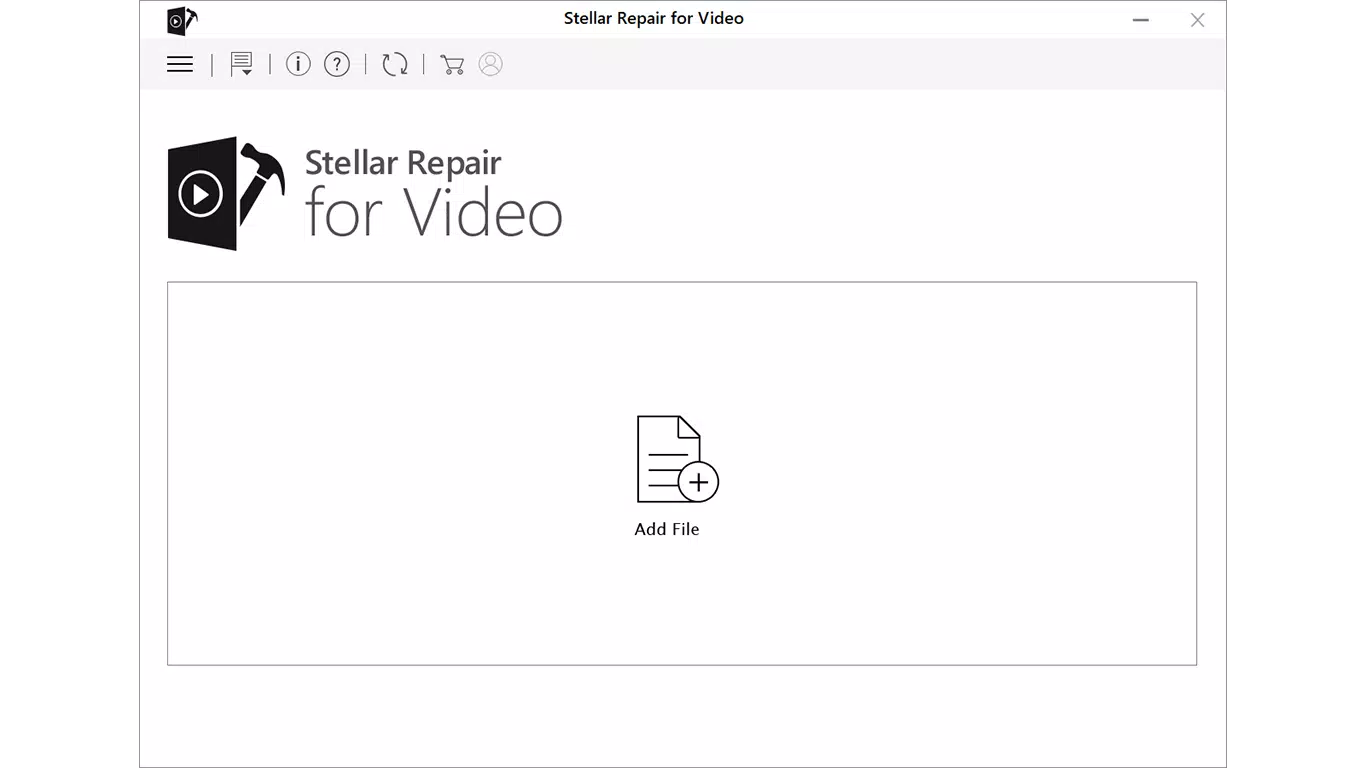
The app features a clean, minimal interface designed for intuitive navigation. Users can access core functions—such as file selection, repair initiation, and preview—through straightforward buttons and menus. The visual style is functional and uncluttered, minimizing distractions and focusing on the repair workflow. Navigation is linear and logical: select file(s) → choose repair mode → preview → save.
Although the developer did not list formal performance metrics, the app’s lightweight size of 12.3 MB suggests efficient resource usage. It is likely optimized for a range of Android devices, including mid-tier and entry-level smartphones. Responsiveness appears to be consistent based on the app’s streamlined design, with minimal lag during file loading and processing. Stability is implied by the absence of reported crashes or errors in the provided data.
Users can expect smooth operation during standard repair tasks, though performance may vary slightly depending on device capabilities and file size. The app does not appear to require excessive storage space during operation, which is beneficial for users with limited internal memory. Overall, the user experience is geared toward simplicity and reliability, making it accessible even to non-technical users.
Platform Compatibility & Technical Requirements
Video Repair is available exclusively on the Android platform. It is compatible with Android devices running the OS version specified in the app’s metadata. The current version is 1.0.1, with a file size of 12.3 MB, indicating a lightweight installation that won’t consume significant storage space.
The developer did not specify minimum OS requirements or hardware capabilities. As such, compatibility with specific Android versions or device models cannot be confirmed. However, the app’s small footprint suggests it is designed to function on a wide range of Android devices, including those with limited processing power and memory. Users are advised to ensure their device meets general Android system requirements for app installation.
Pros and Cons
- Supports multiple video formats for broad compatibility
- Includes an advanced repair mode for severe corruption cases
- Allows previewing repaired videos before saving
- Enables batch repair for improved efficiency
- Free to download and use with no in-app purchases
- Lightweight size suitable for low-storage devices
- Specific OS requirements not listed
- No information on cloud backup or export options
- Developer background not disclosed
- Performance may vary on older or low-end devices
- Only available on Android, no iOS version announced
FAQ
Is Video Repair safe to use?
Yes, the app is designed to repair corrupted files without modifying the original data. It operates locally on the device, ensuring user privacy and data security.
Can I repair videos larger than 1GB?
While the app supports various file sizes, performance may depend on the device’s available RAM and storage. Users with large files should ensure sufficient free space and memory.
Does Video Repair require internet access?
No, the app functions entirely offline. All repair processes occur locally on the device, making it ideal for use in areas with limited connectivity.
Is Video Repair available for iOS?
Currently, the app is only available on Android. There is no official iOS version listed in the provided information.
How often is Video Repair updated?
The latest version is 1.0.1, released on August 29, 2024. Updates may be released to improve stability and add new features, but the frequency is not specified.
Final Thoughts
Video Repair delivers a focused, reliable solution for users facing the distress of corrupted video files. Its combination of format versatility, advanced repair algorithms, and a user-friendly interface makes it a valuable tool in the mobile productivity landscape. The ability to preview results and repair multiple files at once significantly enhances its practicality, especially for professionals and frequent content creators.
While some technical details remain unspecified, the app’s free availability, lightweight design, and clear functionality make it accessible and trustworthy. For anyone who relies on video content—whether personal memories or professional work—this tool offers peace of mind and a practical recovery path.
Download Video Repair now


